Hey Hi Hello, I'm Won!

they/them ⚘ 22 ⚘ Norcal
otaku + cosplayer
Obey Me IOS
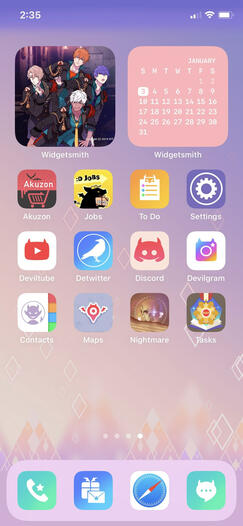
| Tutorial for IOS users |
|---|
| 1. open up short cuts app |
| 2. hit the plus in the top right hand corner |
| 3. "open app" |
| 4."app" - select app of choice |
| 5. hit the edit icon next to the x in the top right corner |
| 6. "add to home screen" |
| 7. "home screen name and icon" - to rename the app and add the downloaded icon |
| DONE! |
If you enjoy the icons and wallpapers, please consider donating to my ko-fi!
otaku + cosplayer